Practical guide
How to print a shipping label from iPhone or iPad
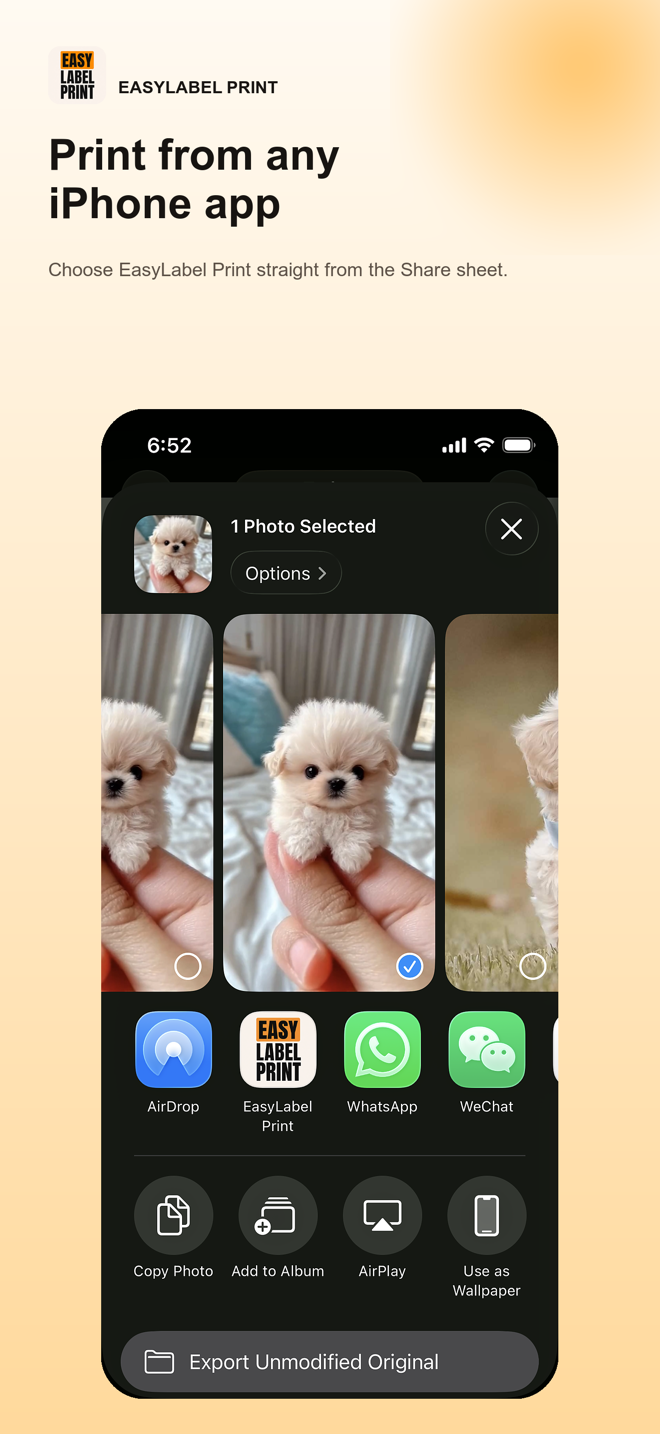
Save a PDF or image, open the iOS Share sheet, choose EasyLabel Print, and send the label directly to your printer.
Read the guide → EasyLabel Print
Step-by-step instructions built from real EasyLabel Print screens and real printer output.
Save a PDF or image, open the iOS Share sheet, choose EasyLabel Print, and send the label directly to your printer.
Read the guide →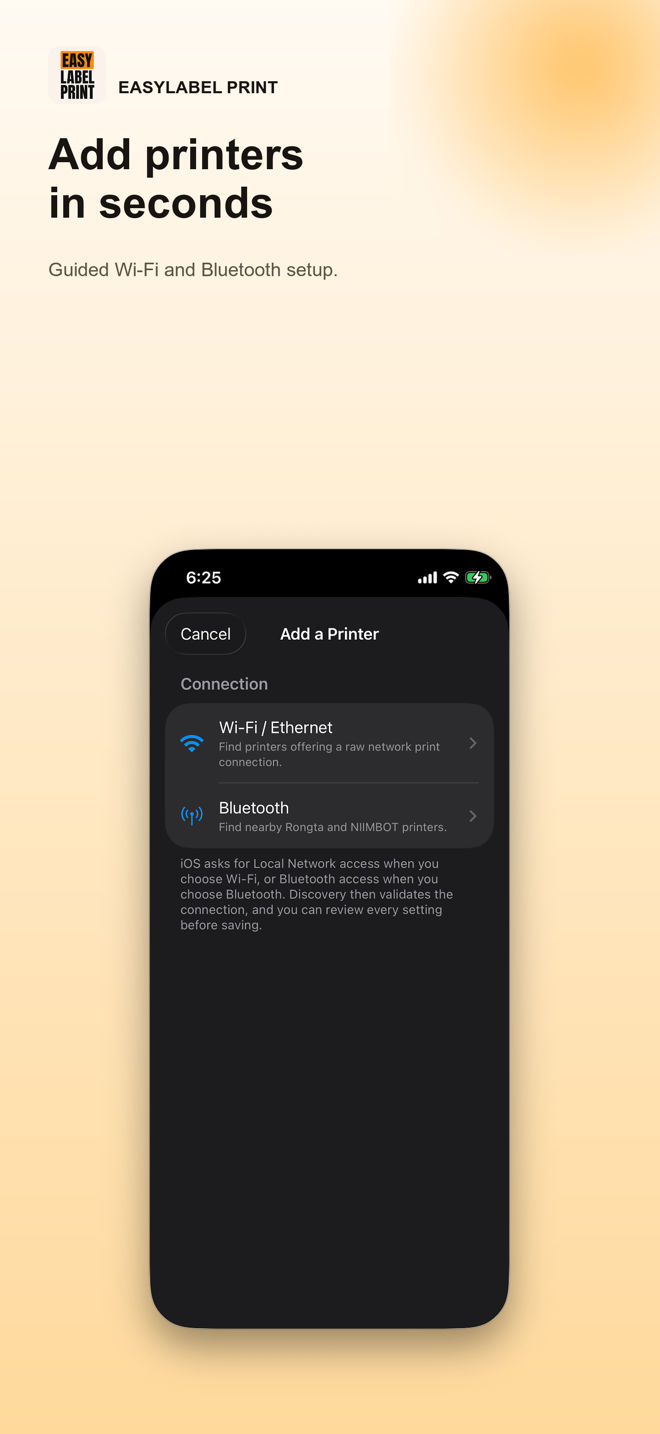
Discover an RP421/RP421A-family printer over Wi-Fi, Ethernet, or supported Bluetooth and confirm the TSPL/TSC setup.
Read the guide →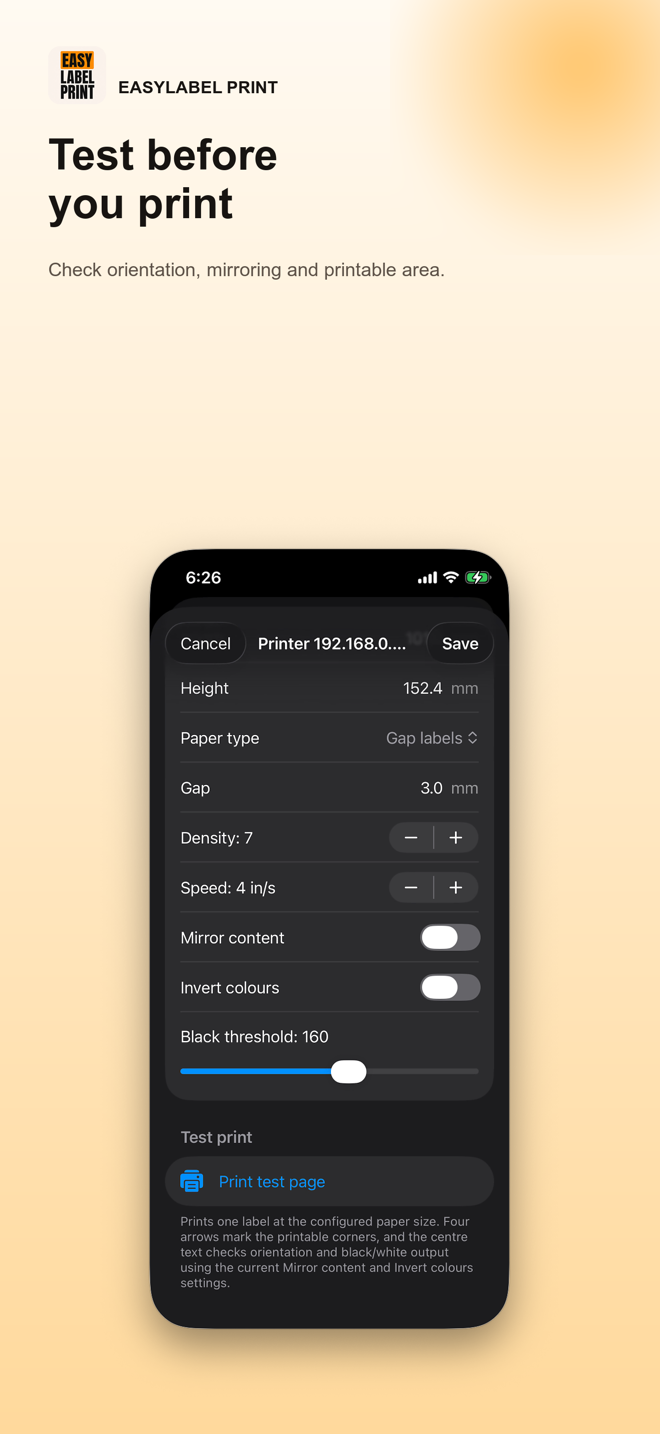
Use Fit, auto-rotate, mirror, invert, paper size, and the printable-area test to correct the output.
Read the guide →Compare audited brands and exact wireless models by resolution, printer language, protocol, iOS connection, and evidence status. Only models with a viable iPhone or iPad connection are listed.
Browse the printer model catalogue